Days, venues and rooms
Establish calendar days and physical locations first. Programme needs to know which spaces and room layouts are actually available before planning can be reliable.
Event days
Open Event days and add calendar days within the edition. Give each a recognisable label. The edition supplies the time zone; daily times belong to programme planning.
Selecting a day for a session is not a complete scheduled occurrence. Also check its start/end times and chosen room layout later.
From a venue to a usable room
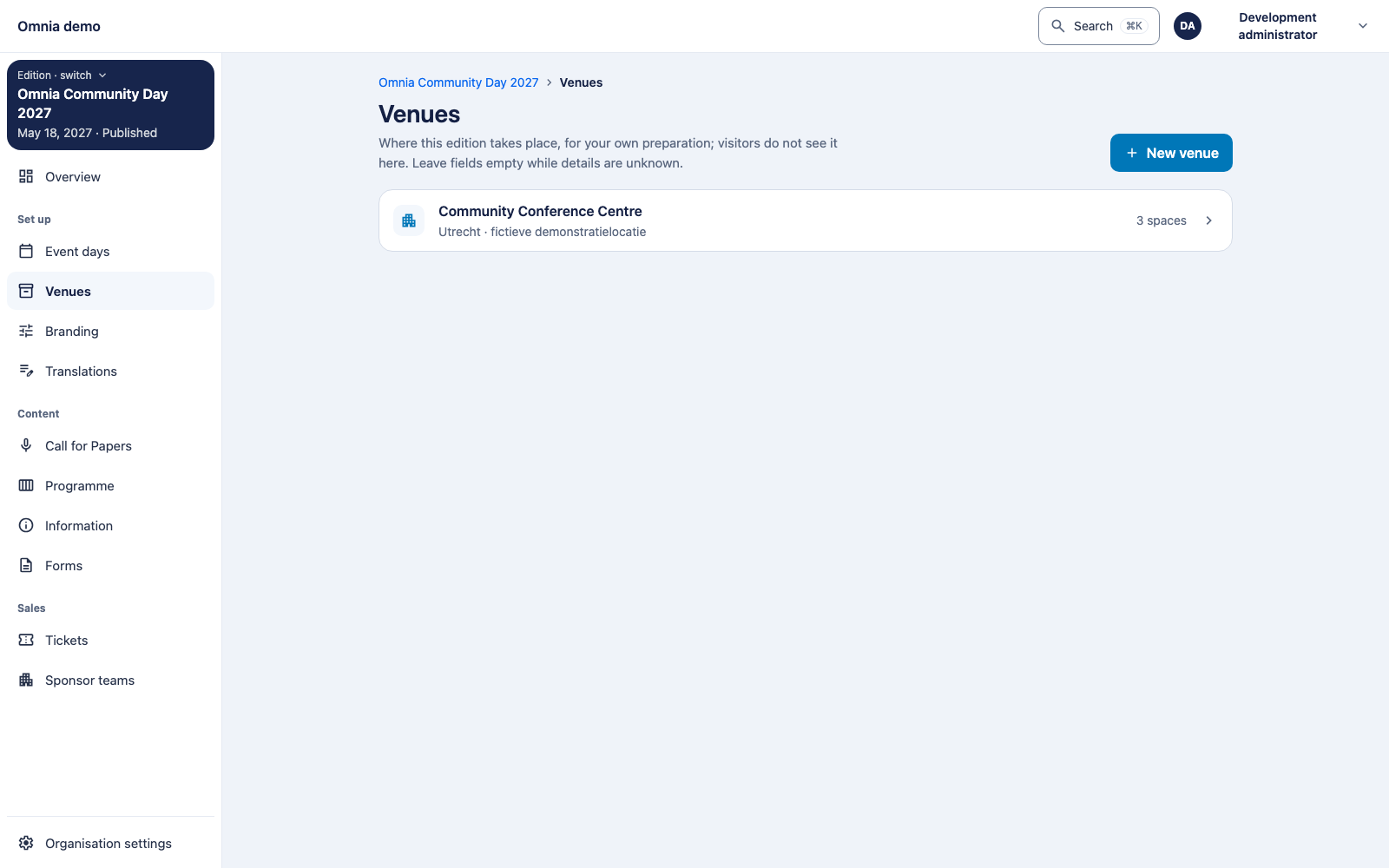
- Open Venues and add a recognisable venue name.
- Define the physical spaces.
- Create the room configurations and layouts you will actually use.
- Record capacity where it is known.
- Check that the combination fits how attendees participate in the session.
A room name alone does not describe shared use. Two configurations can use the same physical space. Conflicts are therefore assessed against physical occupancy, not just planner labels.
Before publication
Unknown layout or capacity can exist in a draft, but can block publication of a complete scheduled assignment. Fill gaps explicitly; do not change unknown to zero to bypass validation.
Floor maps and location information are a separate topic. The complete map experience was not verified end to end in this documentation pass; see event operations and displays.