I support speakers
You help good proposals become confirmed, prepared sessions. You protect fair selection and give speakers a clear understanding of what to expect.
Start with: the correct edition, the sessions you want and agreements on who manages reviews, makes decisions and follows up with speakers. A team role name alone does not grant permission in Omnia; ask the organiser to check your access.
-
Selection manager
Define the offer and conditions
Call, session types, topics, reviewers and confirmation period are ready.
-
Reviewer
Review within your assignment
Your score and comment advise selection; a conflict needs separate follow-up.
-
Selection manager
Make an internal decision
Accept, reserve or reject has not yet been sent to the speaker.
-
Selection manager
Release the intended decisions
The speaker receives the outcome; acceptance starts the confirmation clock.
-
Speaker → speaker manager
Confirm and complete preparation
Follow up missing confirmations, profiles and practical answers.
-
Speaker manager → planner
Check the handover
A linked draft session is ready for further work; it is not yet public.
This journey connects responsibilities. The automatic handover to Programme is available in the reviewed revision; check release availability in your version.
Which tasks do you perform yourself?
With speaker management, you support profiles, participation confirmation, practical questions and the briefing. A colleague with selection management configures calls, review groups and terms and makes and sends decisions. Reviewers score within assigned groups. Programme management handles the draft session and publication.
One person can perform these jobs, but then needs the combined permissions in the roles matrix. With speaker management alone, coordinate the first three steps below with the selection team; step 4 is your daily work. For that, start with supporting and following up speakers.
1. Design what a speaker can submit
Coordinate call settings with the selection manager to fit the event. Change them yourself only if you also hold selection management. Public visibility offers a different route from invitation-only access. Opening and closing determine when submissions are possible; visible-from determines when the call can be found.
Agree on session types, allowed durations, languages and topics. The primary topic routes a submission to its review group. A participation limit also counts participation as a co-speaker. The confirmation period only starts after an acceptance is released, so choose a deadline that works for both speakers and planning.
Check: try one draft and submission from the speaker’s perspective. Are the intended choices available and the organisation’s expectations clear?
2. Make reviews useful and fair
Follow review setup for topics, groups, permissions and assignment. Then give reviewers the guide to reviewing submissions. Reviewers score assigned submissions; their own submissions and conflicts require information boundaries. A valid own score helps determine when a reviewer may see other reviews.
A score is advice, not selection or a message. Ask the authorised selection manager to use reviews for selection, considering content, balance and the number of counting scores. Do not assume an automatic minimum score or quorum performs selection for you.
3. Separate deciding from informing
Ask the selection manager to make internal decisions and check the intended selection before release. Do this yourself only if you hold that additional permission. Release makes outcomes visible and starts the confirmation journey and deadline for acceptances. A later decision is not included automatically in an earlier release.
Check your version: the reference version blocks release while the call is open. The intended ability to release earlier is not available in that version yet. Plan communication around what your installation actually permits.
4. Follow up responses and preparation
Is an accepted session missing from Programme? First check that the acceptance was released and the primary speaker confirmed. The Confirmations page and the speaker portal show whether the programme session is still being created or already linked to the programme. Do not create a new session while the handover is pending; follow the troubleshooting order.
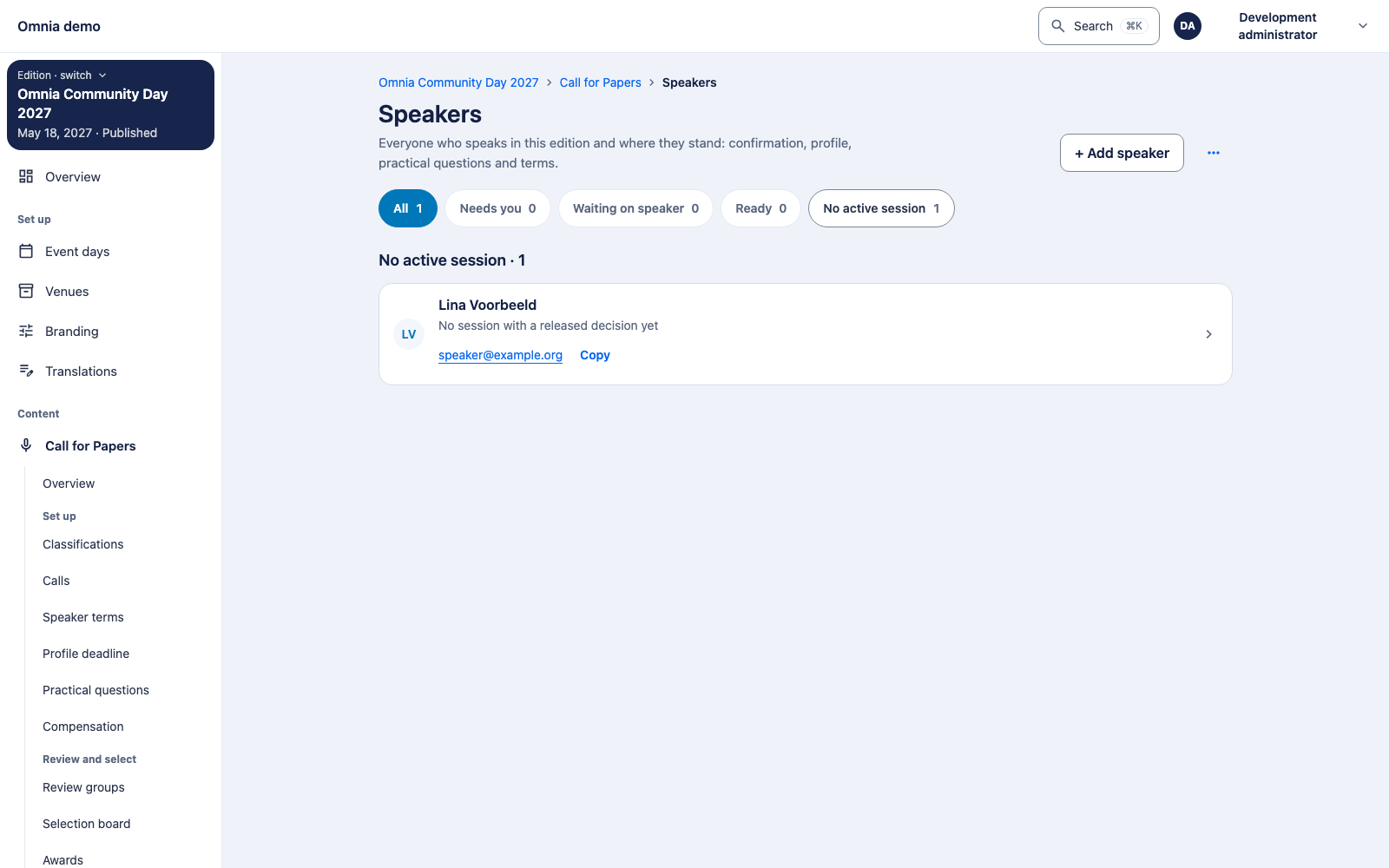
Use the daily follow-up workflow to identify who needs to act on each part. Speaker preparation explains what speakers can complete themselves. A missing answer does not mean no. A hotel request is not a room booking: record and check its handling separately.
Publish the briefing speakers should use. A saved draft briefing is not their official information. Coordinate materials and deadlines with the session type and required permissions.
5. Hand over with a clear next step
Give the planner confirmed sessions and relevant changes. The planner checks participants, occurrences, rooms and conflicts and publishes the programme. Stay available for cancellations or changed practical requests. Programme publication and speaker preparation each have their own progress.