Team and access permissions
Grant access to the task and the correct edition. Someone supporting speakers does not automatically need permission to review submissions, release decisions or read compensation details.
Start with the division of work
Use the roles matrix to agree who manages calls and decisions, reviews, supports speakers and publishes the programme. A colleague can perform several jobs; assign the required permissions separately.
In the reference version, the organisation owner manages staff access. An event organiser or organisation administrator is not automatically that owner. If staff management is unavailable, ask the organisation owner rather than assuming you can grant every capability yourself.
Divide responsibilities
- Selection management: configure calls, take decisions and release them.
- Reviewer: review assigned groups only; scores are advice.
- Speaker management: support profiles and practical preparation within the permitted scope.
- Compensation: separate access to agreements and expense claims.
- Programme management: develop drafts and planning within the applicable rights.
An organisation owner or administrator has different responsibilities from staff with an edition-scoped grant. Use the role overview as a starting point, not as a reason to make everyone an administrator.
Configure staff
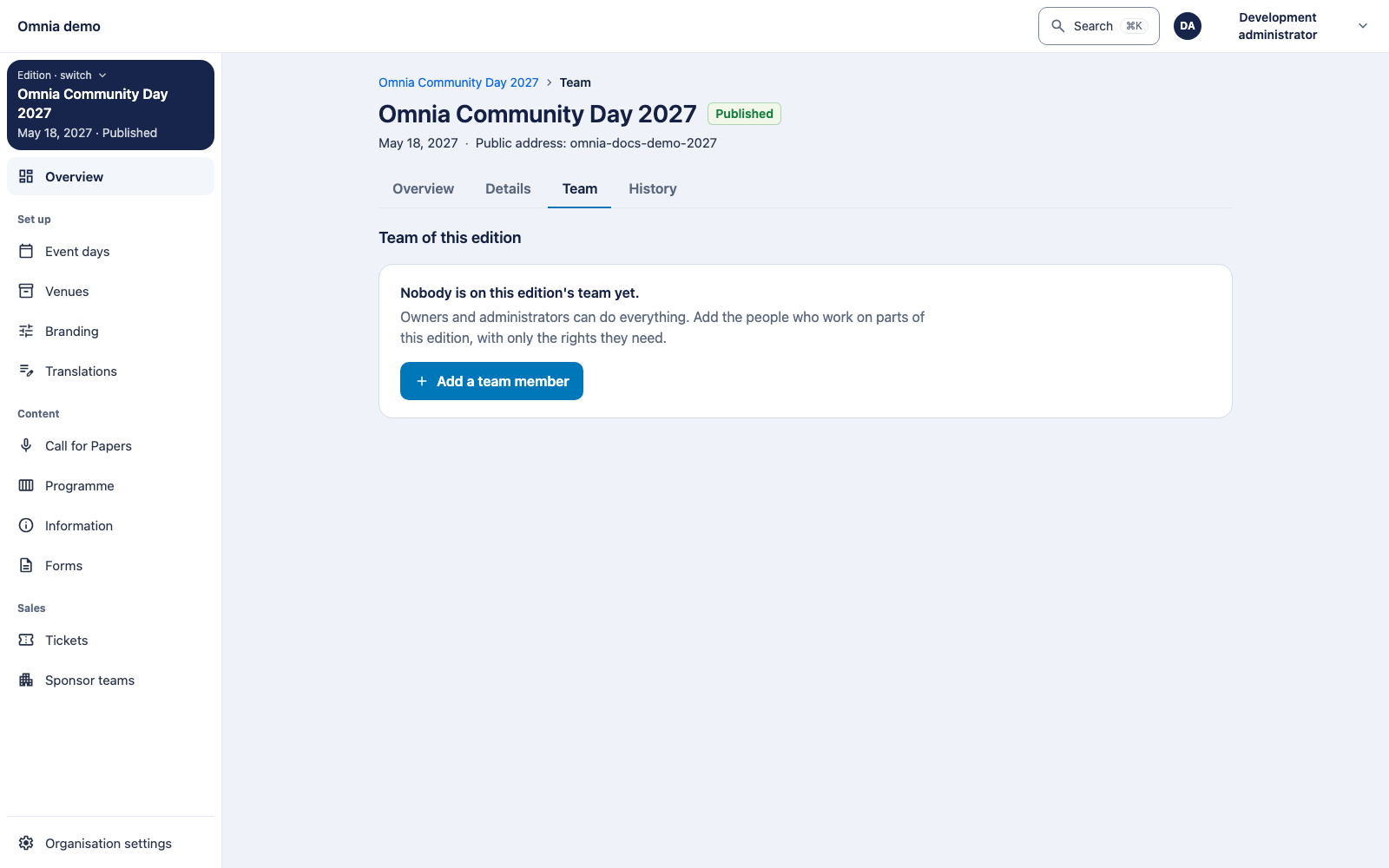
Ask the organisation owner to open the correct edition’s team/staff page, select the correct existing person and grant the needed capabilities. Check any expiry and whether the grant is active. Ask the colleague to try the intended task using their own account; do not share an administrator account for this.
Access in another edition does not grant access here. Staff do not automatically transfer when settings are copied from an earlier edition. Plan access again when repeating an annual event.
Review-group assignment further determines which submissions a reviewer receives. Selection managers cannot independently place themselves in a review group; ask an authorised colleague or organisation administrator to configure membership.
Own submissions
A speaker or co-speaker cannot read the reviews of their own submission. Selection authority can still allow that person to decide on the submission. This does not make them a reviewer of their own session.
If a function is missing, check the edition, permission and group assignment. A refused page may deliberately answer as not found to conceal protected data.