Forms and follow-up questions
Use a form for a bounded purpose: registration, an information request or follow-up questions. Permission to respond and permission to read answers are separate concerns.
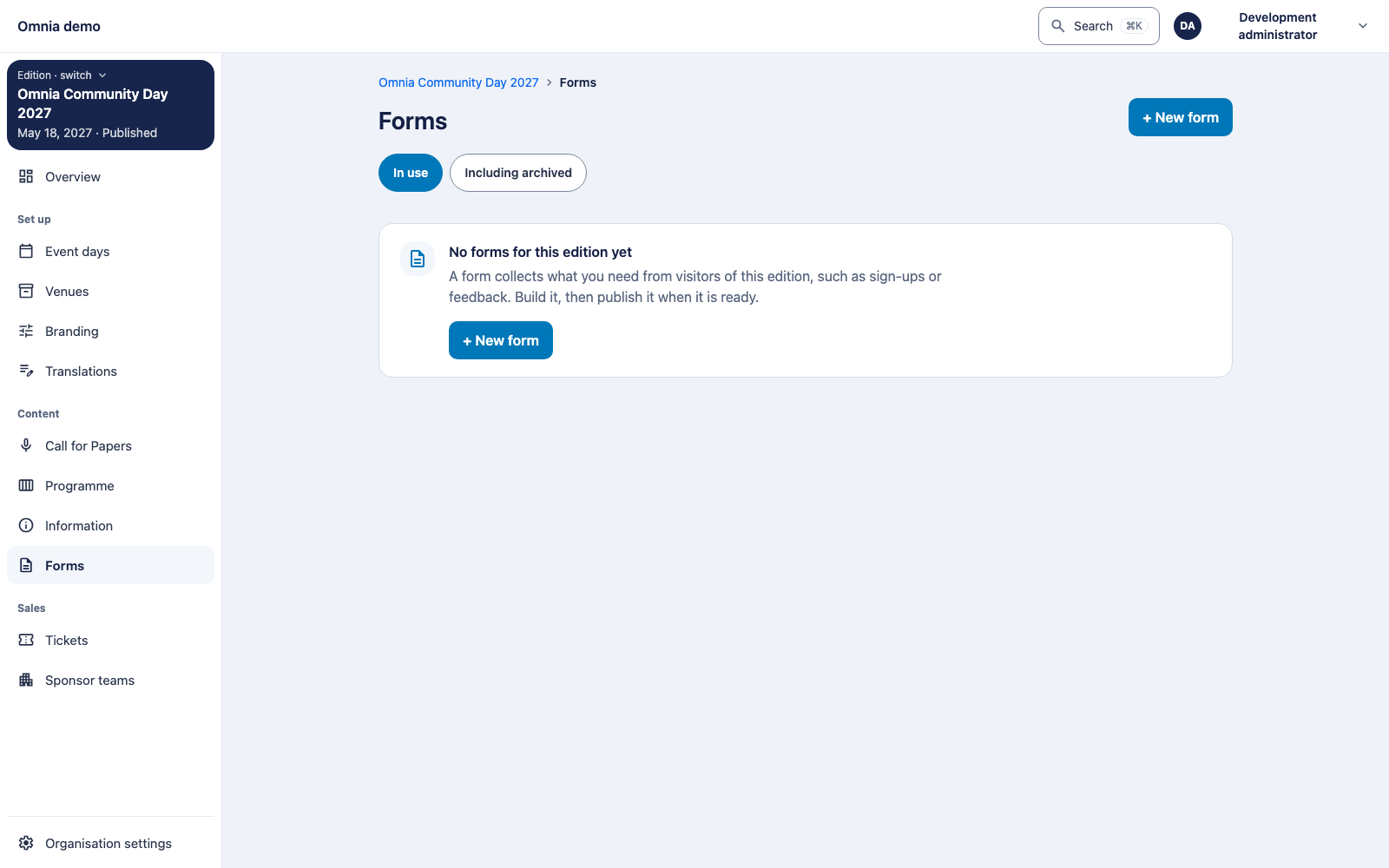
Prepare a form
Open forms in the correct scope: organisation or edition. Create a recognisable title and add questions needed for the purpose. Choose appropriate answer types and mark only genuinely necessary answers as required.
Inspect the published version before sharing a link. Availability dates, access conditions and any participation requirement must fit the audience. Test an unauthorised visitor and an incomplete response too.
Read responses
Read answers in their original question context. Later question changes do not rewrite earlier answers. Use the associated version when comparing results.
A missing answer is not automatically no, zero or consent. Preserve the distinction for conditional questions and questions a person was not asked.
Export
Check purpose, selection and authority before exporting. An export can expose more than one visible row. Follow the confirmation route where required and store the file under the organisation’s agreements.
The screenshot verifies the management entry point. Acceptance of a particular form also needs a complete response, versioning and export test with the intended user permissions.