Sponsors, sponsor portal and leads
A sponsor company can participate in several editions. Sponsorship of one edition has its own agreements, package selections, team members and access.
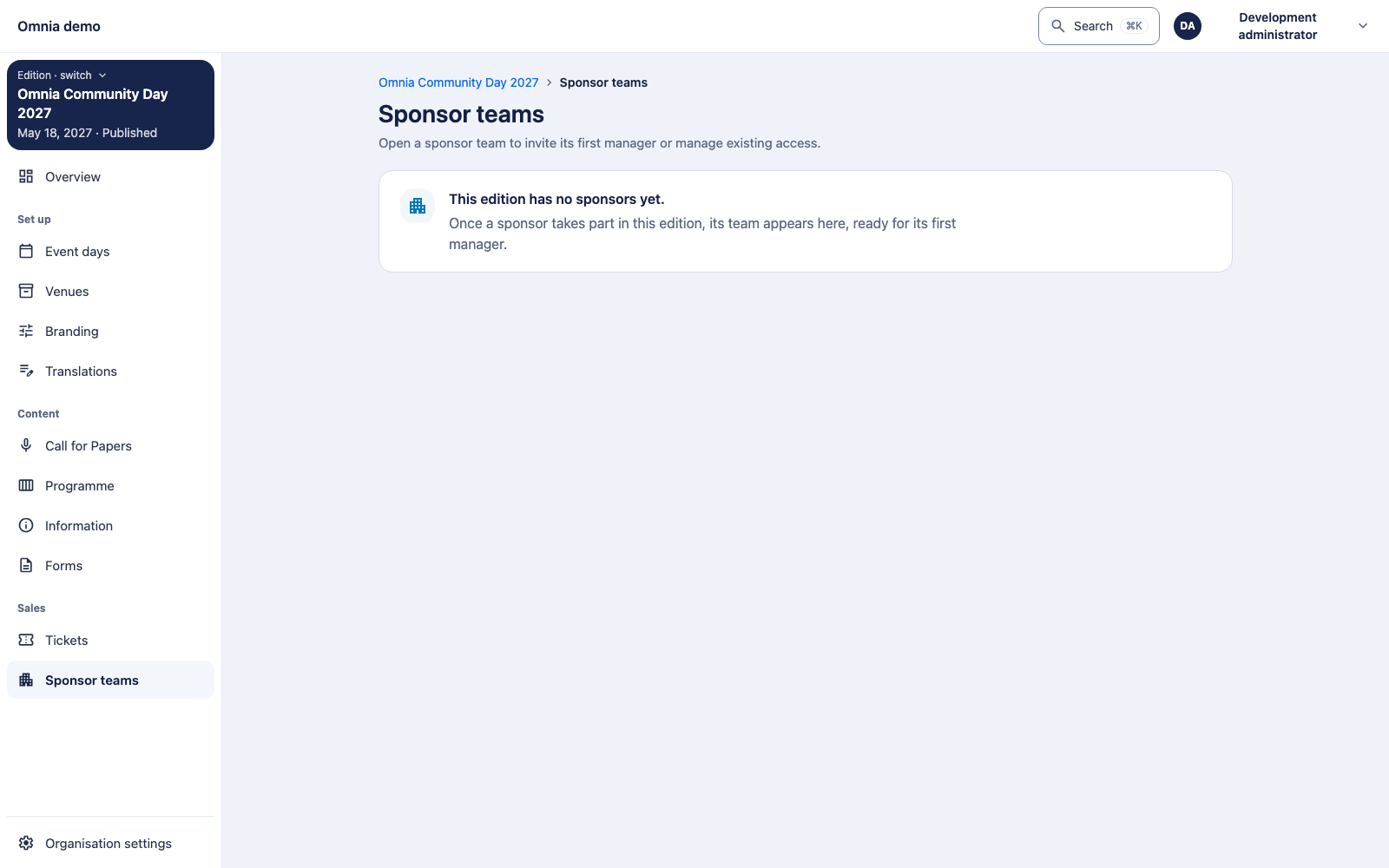
Current screen: the captured administration page is Sponsor teams. It exposes existing sponsors for team access; creating a company, package or contract has not been verified as a complete UI workflow here. Do not infer a general company-registration button from this screen.
Prepare sponsor administration
Open the edition’s sponsors and check whether the company already exists in the organisation register. Create its edition relationship and applicable agreements without duplicating the company identity each time.
Check package and reservation rules on your release. A reserved package is not automatically a contracted agreement. Grant relevant members access only to this edition’s sponsorship.
Package benefits
A sponsor package lists its benefits as lines, in the order you supply. A line is either one of four fixed benefit types or a free-text line.
| Type (API value) | Quantity |
|---|---|
includedTeamTickets |
Required: a positive whole number |
booth |
Required: a positive whole number |
sponsoredTalkSlot |
Required: a positive whole number. It has no link to the Programme. |
leadScanning |
None. The line itself grants lead scanning. |
Each type can appear at most once per package. Any other benefit is a free-text line with texts in the edition’s languages and no type or quantity.
The benefits are replaced as a whole (PUT on the
package’s benefits, with the package version). A refused
request changes nothing. Field errors:
benefits.N.quantity:required(booth or sponsored talk slot without a quantity),out-of-range(zero, negative or too large) ornot-allowed(lead scanning with a quantity).benefits.N.type:unknown-benefit-type(any other type name; type names are case-sensitive) orduplicate(a second line of the same type).
API only. The Sponsors page of the administration app, as found at the reviewed revision, does not show packages or benefits. Set them through the administration API.
Lead scanning is only a grant for now. Omnia can
answer whether a sponsorship’s active package has the
leadScanning line; a text line reading “Lead scanning”
grants nothing. A reserved allocation answers like a contracted one in
this read, so the grant is not yet tied to the contract. There is no
scanning app or screen for sponsors yet.
The sponsor portal
A sponsor contact signs in using their own account. The portal should expose only authorised sponsorships. Sharing a company name does not grant access to another sponsor or edition.
Test invitation, acceptance, team management, revoked access and an account belonging to another sponsor. The screenshot shows the management entry point; the full contract/portal chain was not executed end to end here.
Leads and consent
Lead collection has a distinct purpose and consent boundary. A scan or event participation does not automatically authorise unlimited marketing or disclosure of a general attendee list.
The complete lead and public-statistics journeys were not verified in this pass. The specification requires public sponsor statistics to remain aggregated without identifying individual visitors. Check implementation and privacy conditions before using these processes.
A lead disclosure is meant to record which version of the ticket type’s registration terms applied. Commerce now keeps and exposes that version; the lead scan that records it is not built yet.