Branding, languages and translations
Omnia is white-label. The organisation sets its identity; an edition can override selected values. Interface language, content language and a session’s presentation language are different settings.
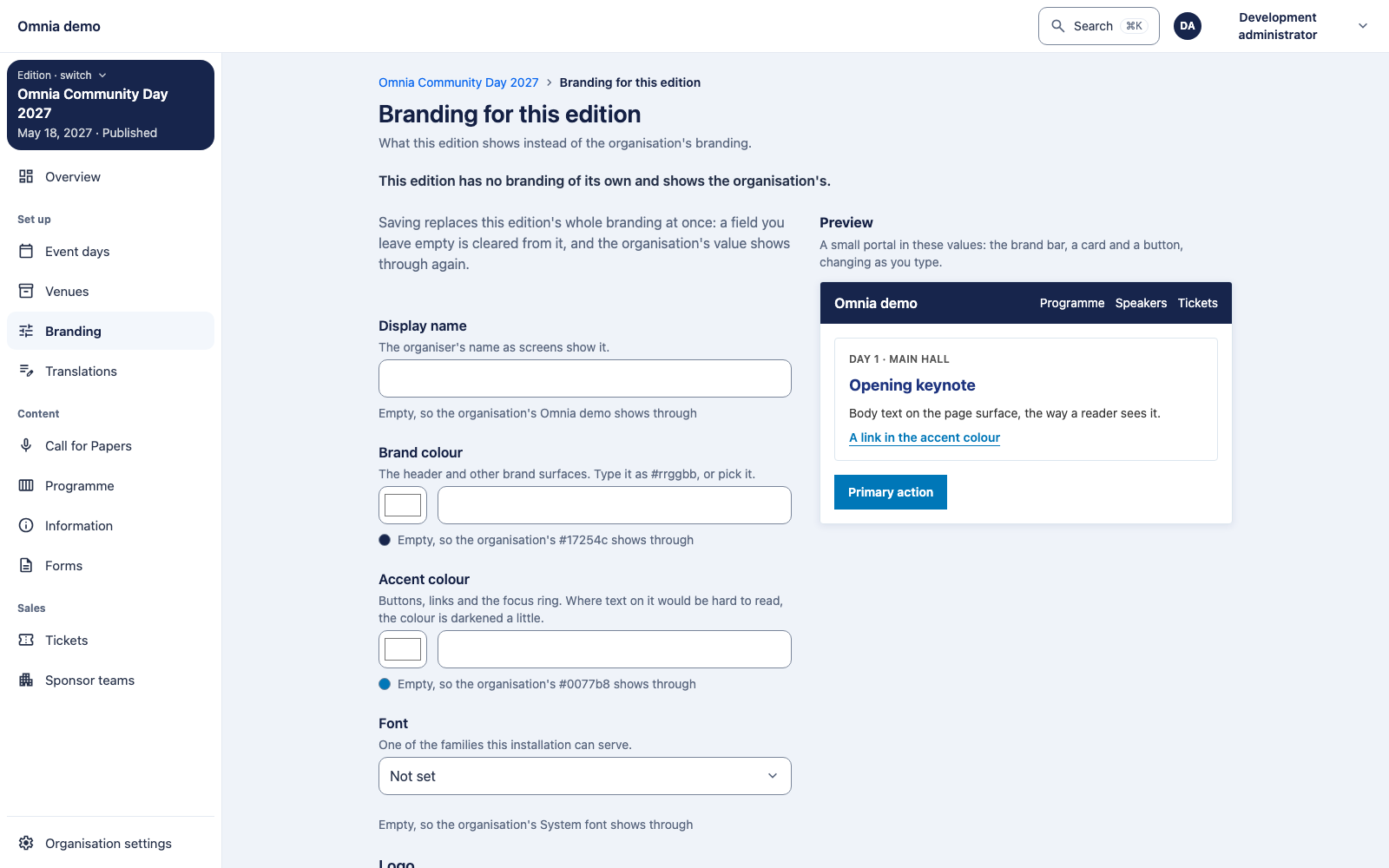
Configure branding
Set the organisation’s name, colours and available font. Add edition overrides only where required. An empty edition setting can inherit the organisation value. After a logo upload, inspect both admin and the public page.
The interface derives readable interactive colours from the brand selection. Also assess long names, keyboard focus and mobile layout; an attractive desktop preview is not a complete accessibility check.
Who can change which setting?
The environment’s branding and active languages apply organisation-wide. Coordinate them with organisation administration. The active-language set is neither a personal preference nor a choice for just your edition.
An edition branding override needs a separate edition-scoped permission; speaker or programme management alone does not grant it. Your interface language does not automatically change descriptions or a session’s presentation language. See the roles matrix for these boundaries.
Activate languages
Activate the installation’s supported languages and select a default. Deactivating a language hides it in the interface without deleting its stored translations.
Check translation completeness before changing the default language. Required basic content must be complete. When content is missing, a screen can identify the fallback language; do not assume automatic translation.
Publish content
Complete edition descriptions, call descriptions and briefing text in the available language fields. Publication rules differ by content type: first edition publication requires descriptions in all active languages; a call requires its default-language description.
A session’s language classification describes what attendees hear during the presentation. It does not automatically change when the speaker switches the interface to English.