Public website and widgets
The public website presents published information. The organiser portal also contains drafts and administration data that must remain private.
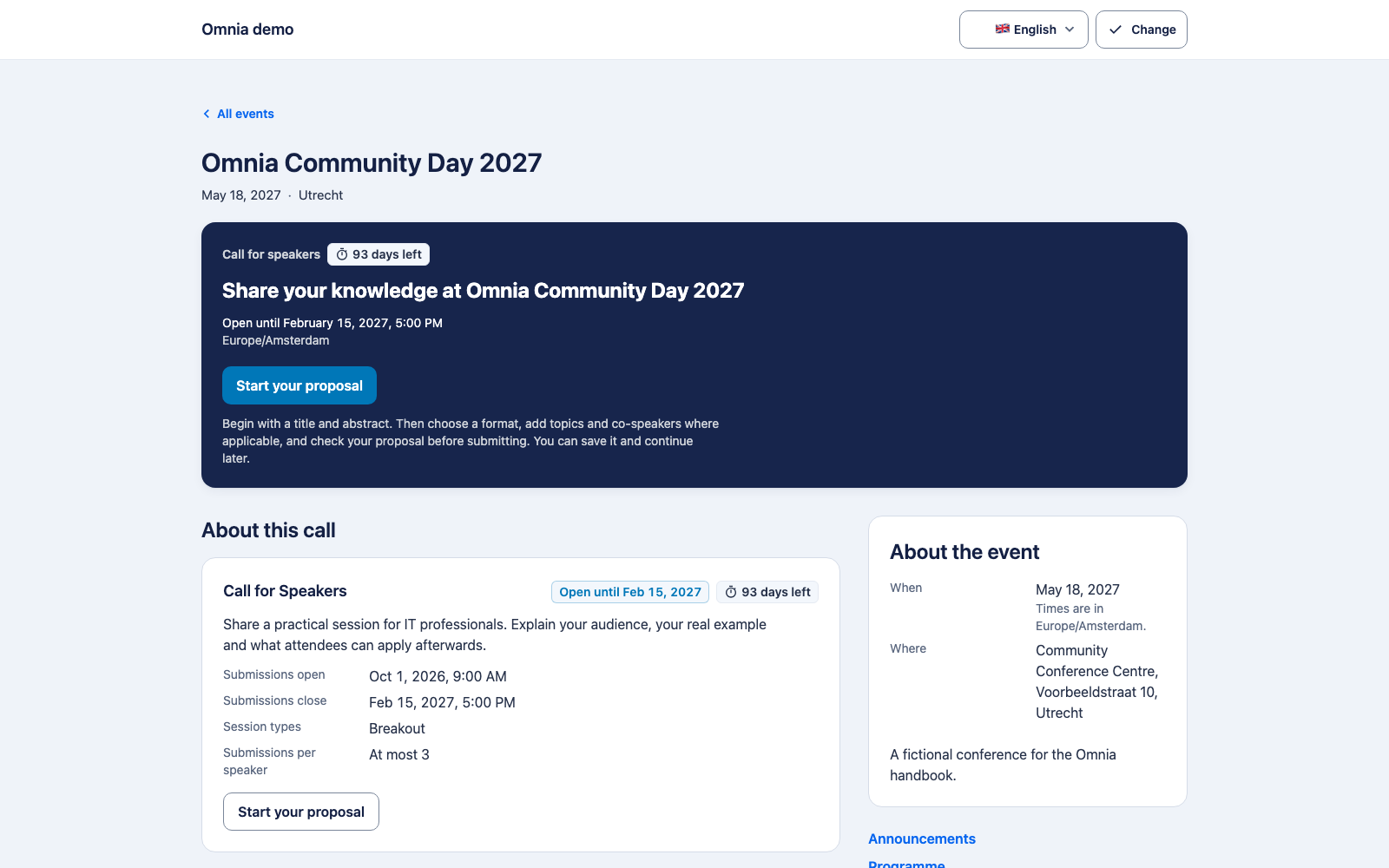
Inspect a public edition
Open the published edition address outside your regular administration context. Check its name, reference, dates, time zone, location, description and available languages. A draft edition must not appear in the public list.
Check the call link when its visibility and period allow it. Inspect the public programme only after publishing the relevant revisions. An empty programme page can mean no public content exists yet, not that the management draft disappeared.
Branding and information
The website uses the applicable organisation and edition branding. Test missing translations and recognisable fallback language. Also inspect the information and contact routes configured by the organisation.
Widgets
The specification includes embeddable components for external websites. First establish which widgets and configuration your release supplies. An integration should receive only the intended public information.
The public edition page was captured in this pass. A complete external embed installation and every website feature were not verified end to end; test them on the receiving site with actual browser settings.