Messages and official information
Use official content for information attendees and speakers need. A draft, published text, queued message and delivered message are different states.
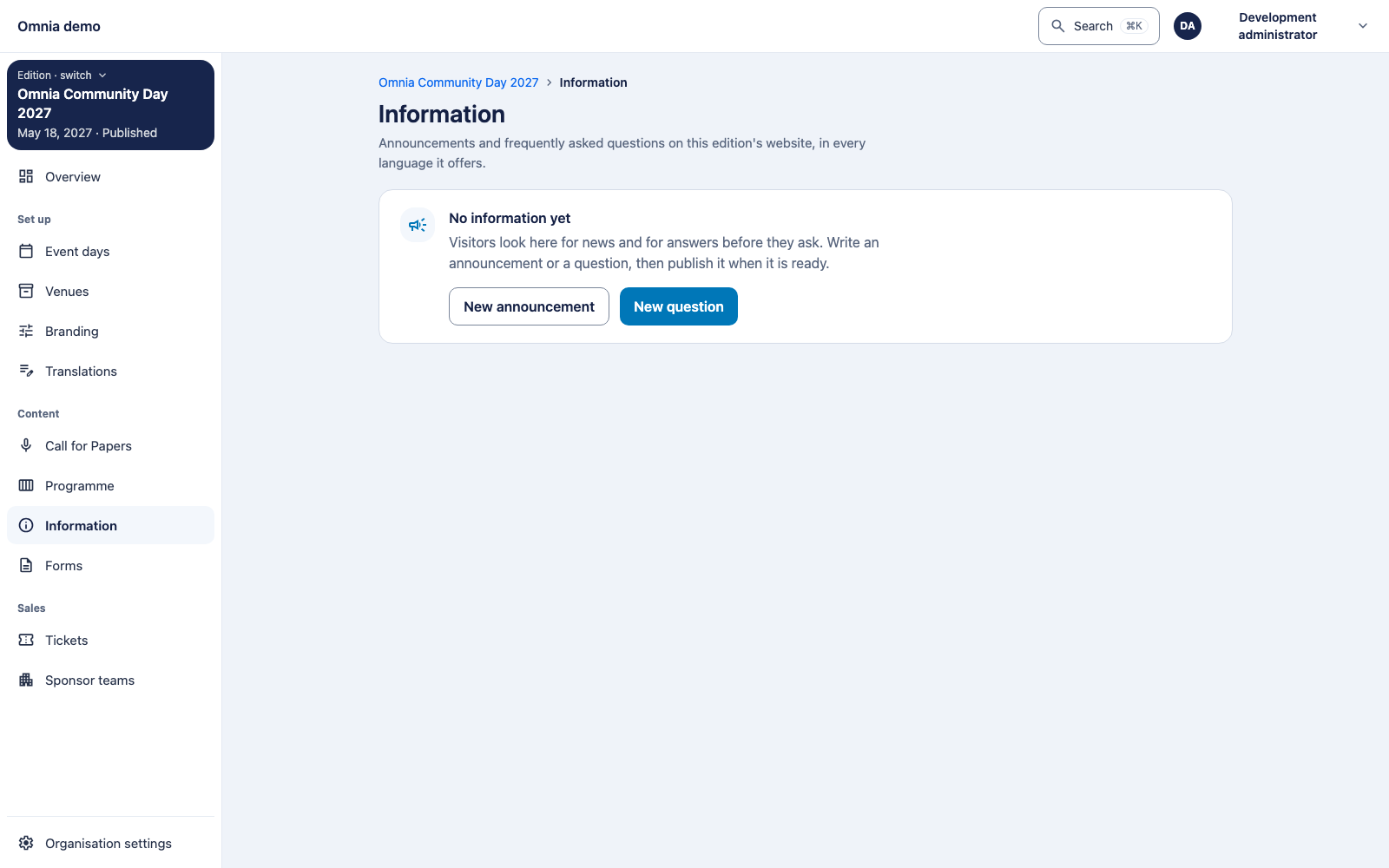
Prepare information
Open edition information and write the relevant translations. Check links, times, addresses and audience. Publish deliberately and inspect the reader view afterwards.
For speakers, also use the separate briefing and preparation. The published briefing has a revision and timeline; internal draft text is not an official briefing.
First decide what you want to achieve
Update official information: edit the appropriate source, such as the briefing or edition information, and publish the intended version. Prompt someone to act: check what remains outstanding and contact the relevant person through the agreed channel. Send a CFP outcome: ask selection management to deliberately release the decision.
These actions do not replace each other. Copying an email address sends nothing. Publishing a briefing does not establish that everyone received a message, and scheduling a message does not establish delivery. Use the speaker follow-up workflow to identify who needs to act.
Automatic messages
Status changes can generate messages under the owning module’s rules. CFP decision messages begin on release, not when the team internally chooses acceptance.
The worker processes delivery. On an error or uncertain result, inspect actual sending status first. Retrying must not unintentionally deliver the same automatic event twice.
Verify an installation
Test sender, reply address where applicable, language, formatting and public portal links. Local Mailpit captures test messages; successful local capture does not prove delivery through a production provider.
An internal message or note can have a different audience from speaker communication. Check recipients and purpose before reusing or exporting text. Configuring SMTP does not itself grant communication authority.